
Tools
Focused controller tests
Choose a dedicated browser tool for the signal you want to inspect: controller model, button input, joystick range, stick drift, or vibration support.

Use an Xbox-specific layout for Xbox One, Xbox Series X|S and compatible PC controllers.

Use a DualSense-specific layout for PS5 controllers connected to your browser.

Use a DUALSHOCK 4 or DS4-specific layout for PS4 controllers connected to your browser.

Open a dedicated input view for buttons, D-pad, triggers, and raw controller values.

Inspect stick movement, range, center position, and deadzone behavior in a focused joystick view.
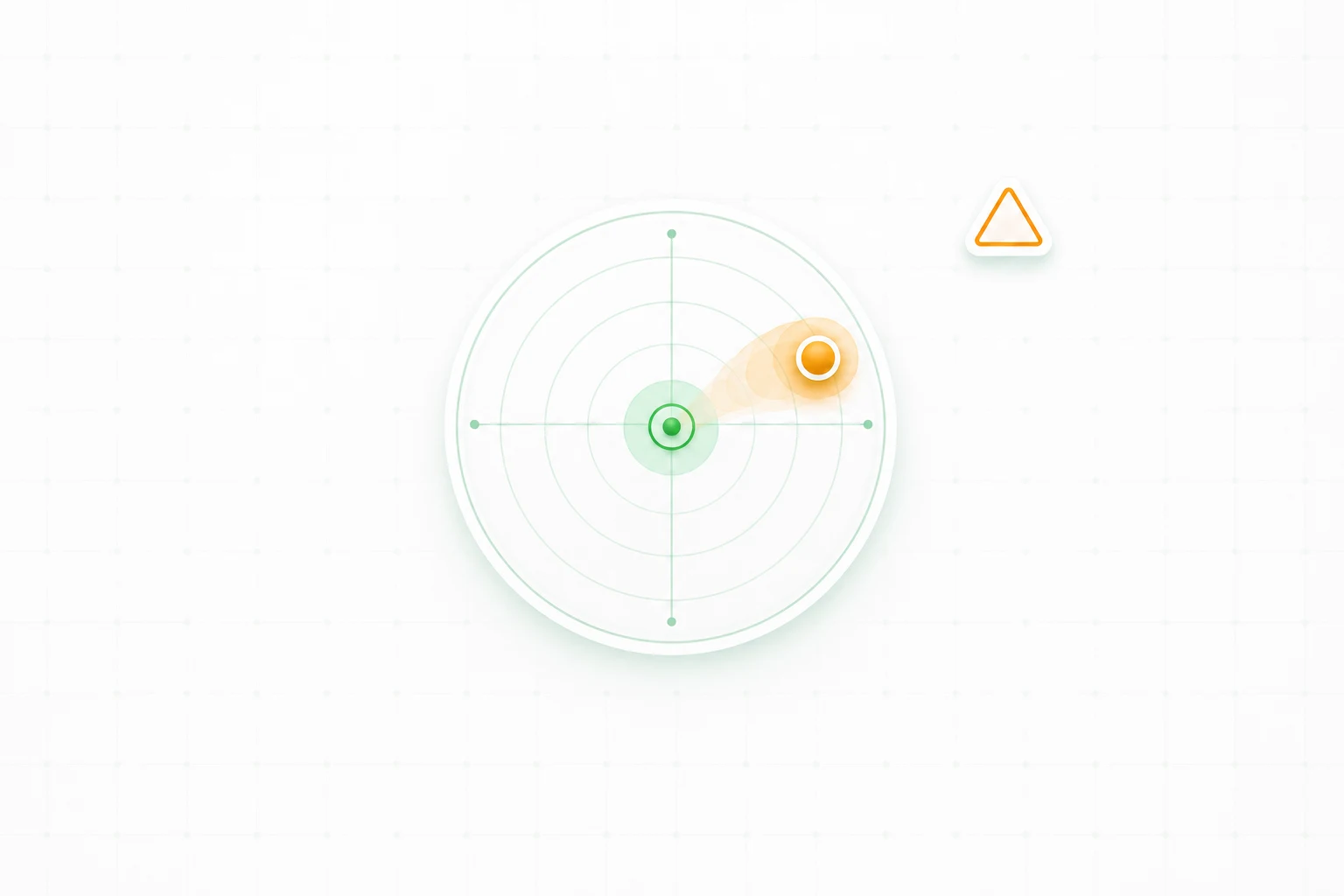
Use a dedicated drift checker when a stick moves by itself, fails to stay centered, or causes unwanted movement.

Test rumble or haptic feedback in a focused vibration panel where supported by your browser and controller.